Intermediate·Lesson 5 of 6
Editing your photographs
Enhancing without misrepresenting
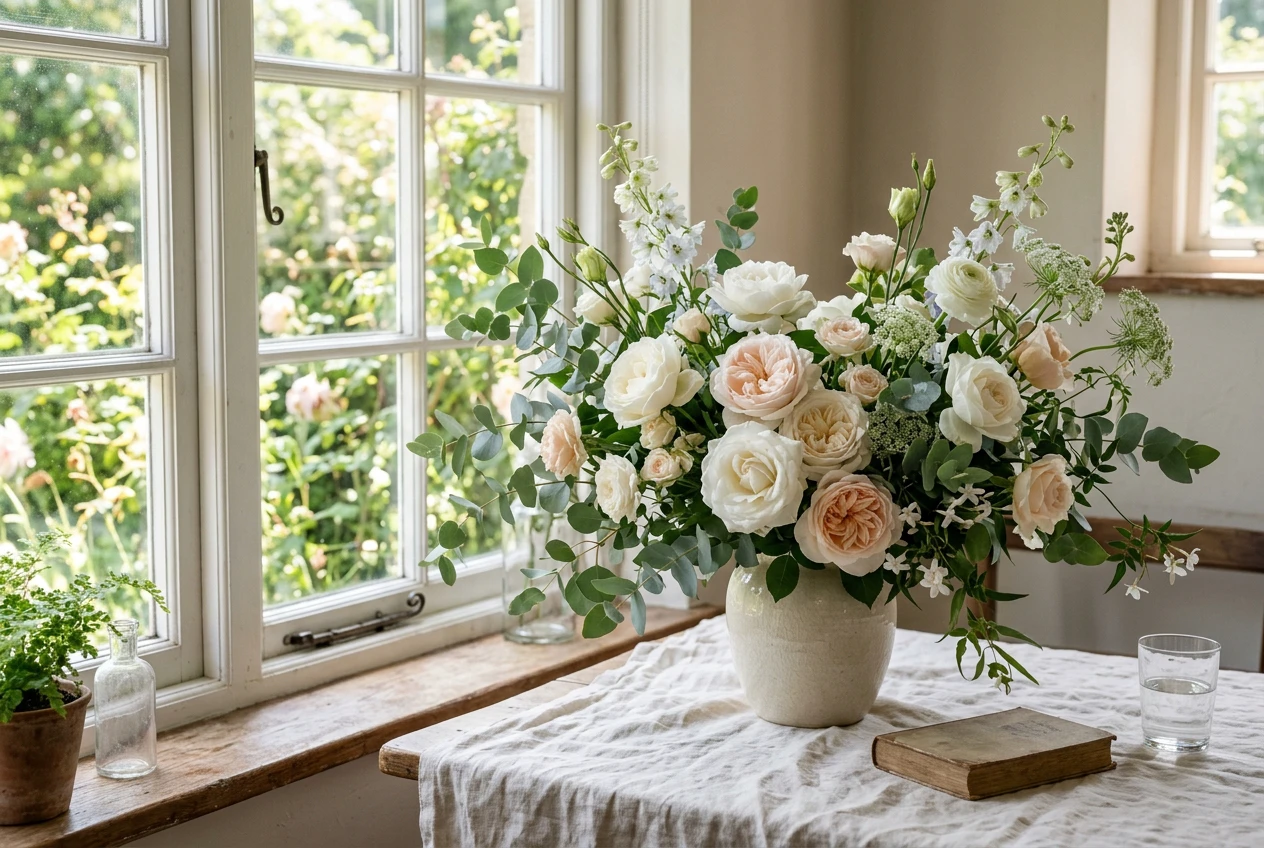
Editing is correcting for what your phone got wrong, so the photo matches the arrangement your client will actually receive.
What you’ll learn
- —Basic exposure and contrast tweaks
- —Adjusting white balance for accurate petal colours
- —Keeping edits true-to-life to build customer trust
Practice exercises
- 01
Take a slightly dark photo of your arrangement. Use your phone’s native editor to gently boost exposure and adjust the warmth so the whites look pure — not yellow, not blue.
- 02
Place the edited photo next to the real arrangement. If they match, you’ve done it right.